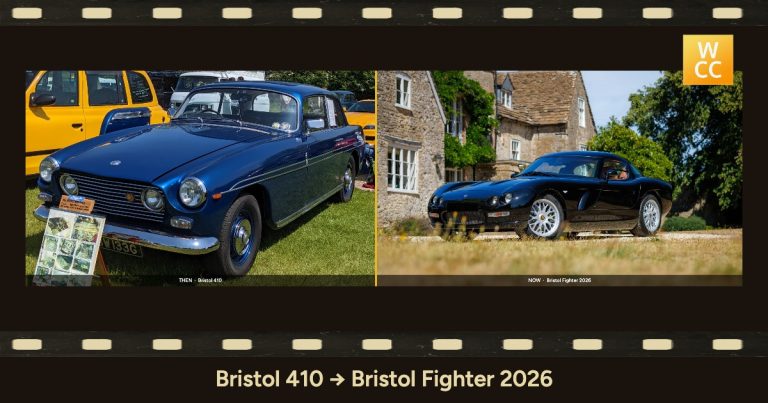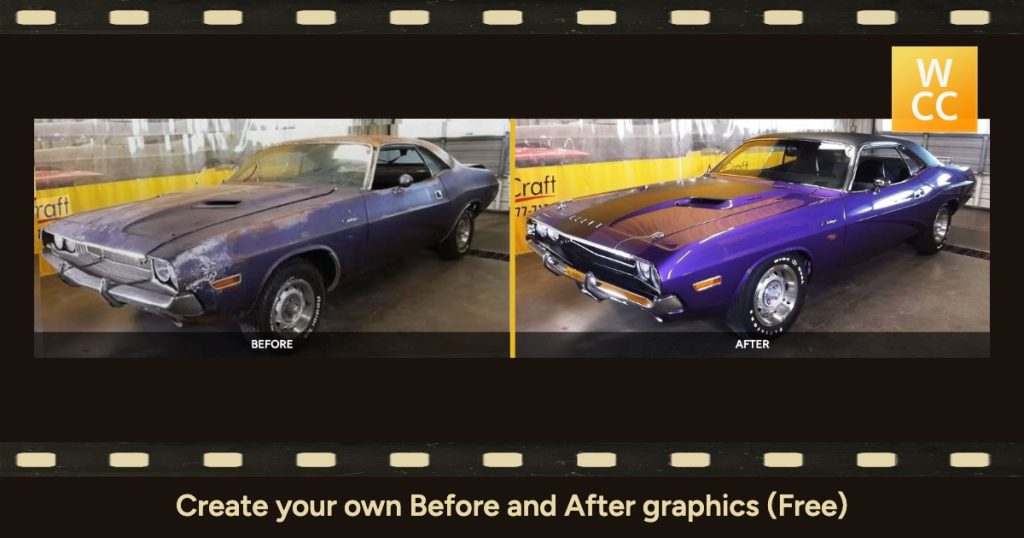
Most classic cars come with a shoebox. Somewhere there’s a faded print of the car on delivery day, a holiday snapshot from the 1970s, or a photo of the shell on axle stands at the start of a restoration. Put one of those next to a photo of the car today and you have its whole story in a single image.
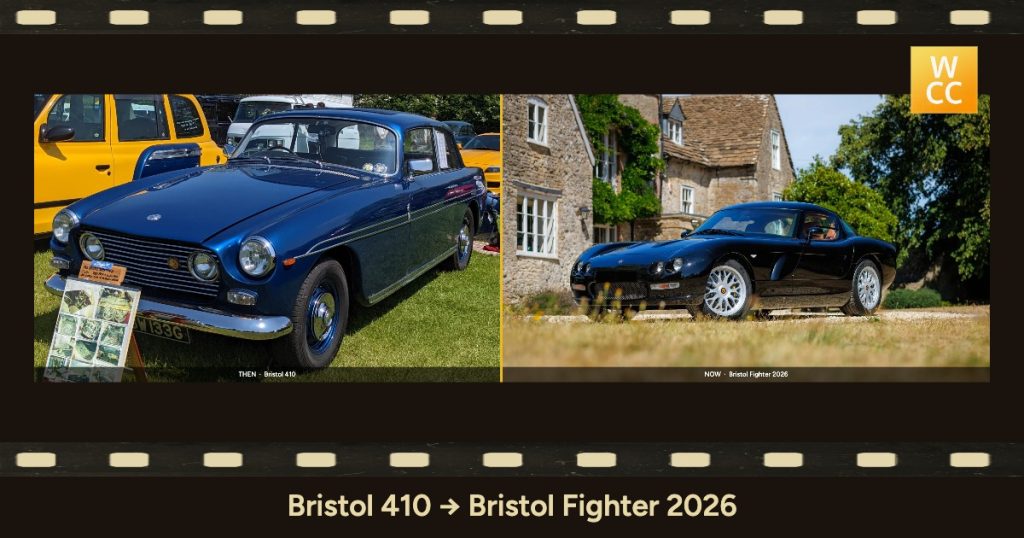
The Frame Workshop on Silver Poodle is a free browser tool for doing exactly that. It puts two photos side by side, or frames a single one, adds dates and a caption, and saves a JPEG at the right size for wherever you’re sharing it. (For a worked example of the then-and-now idea, see our piece on Bristol Cars, then and now.)
What the Frame Workshop does
The tool runs in your web browser at silverpoodle.co.uk/frames. There’s nothing to install and no account to create. Your photos stay on your own device and are never uploaded. That matters if you’re working with family photos or the pages of a car’s history file.
There are two modes:
- Then & Now: two photos side by side.
- Single still: one photo with a frame and caption, which suits a period print on its own.
You then choose a look. The options are a flat colour border, film-edge sprocket strips for a period feel, metallic finishes, and a range of other border and frame styles. You can add the date, place and photo credit as a caption, plus an optional logo, which is useful for clubs that like their badge on everything they share.
Each photo can carry a label: Then/Now, Before/After, No Edit/Edited, or just the dates.
Ideas for owners and clubs
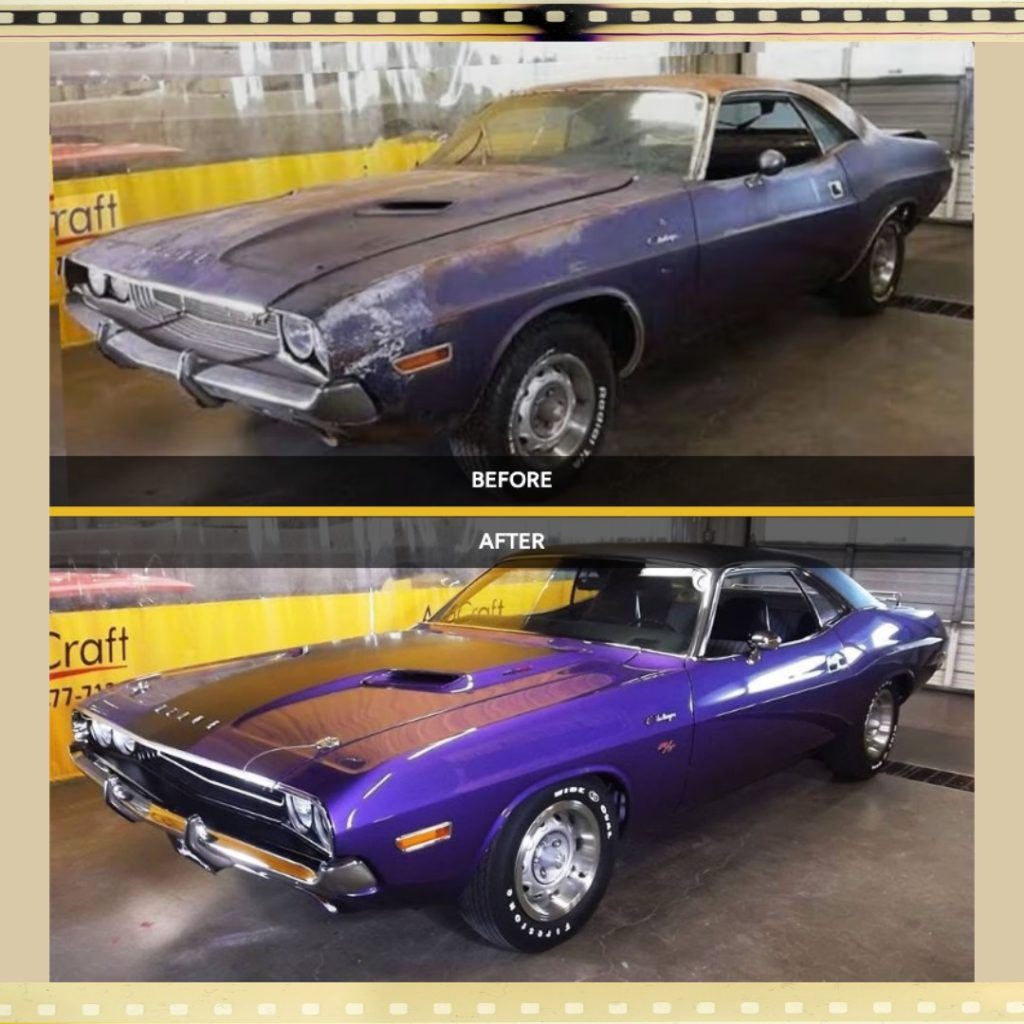
- Restoration progress. Set the bare shell from the first weekend beside the finished car and label them Before/After. Or post a still at each stage of the rebuild. If you’re still looking for help with the work, our Servicing and Restoration listings are a good place to start.
- Same car, same garage, decades apart. Pair a family photo of the car outside the garage it lived in with the same view today.
- Delivery day to now. Put the dealer’s handover photo, with the original plates and the salesman in his suit, next to the car at its latest show.
- A club’s first meet and its latest. Show the founding members lined up in a pub car park beside this year’s turnout. This works well for an anniversary newsletter. Browse the car clubs in our directory for marque clubs near you.
- Factory gates, then and now. Use our map of manufacturing sites for UK car marques to find where your car was built. Then pair a period photo of the works with what stands there now. Many museums and heritage centres hold archive photos worth asking about.
Get the size right for where you share it
Every platform crops images differently, and a then-and-now pair is easily spoilt when half of it gets cut off. The new Output size option lets you pick an exact pixel size, with the border and caption included, so the image you download is the image people see.
The presets are:
- Facebook or LinkedIn link preview: 1200 × 630
- X/Twitter post: 1600 × 900, or large card: 1200 × 600
- Blog featured image / Open Graph: 1200 × 630
- Facebook/Instagram portrait: 1080 × 1350
- Square: 1080 × 1080
- Pinterest pin: 1000 × 1500
- Story or Reel: 1080 × 1920
- YouTube thumbnail: 1280 × 720
- Custom width × height for anything else, such as a club newsletter layout
You also choose how each photo fits:
- Cover crops the photo to fill the space.
- Contain shows the whole photo with a matte around it.
Contain is usually the better choice for old prints, where you don’t want to lose the edges of the picture. Cover works well when the car sits comfortably in the middle of the frame.
How to make a then-and-now image
- Open silverpoodle.co.uk/frames.
- Choose Then & Now or Single still.
- Add your old photo and your new one. For the best match, stand where the original photographer stood and use a similar angle.
- Pick a look and set the labels.
- Add the date, place and credit as a caption, and a logo if you want one.
- Choose an output size, then Cover or Contain.
- Download the JPEG and share it.
Taking it further: GIFs and video
Alongside the JPEG, the download includes a small look pack file. If you later want a moving version, such as a fade from then to now, you can load the look pack into GhostViewer’s Media Framer to make a matching GIF or video in the same style. There’s more background in Silver Poodle’s introduction to the Frame Workshop and on GhostViewer.
See the restored blue car as a gif
Dig out the shoebox
Everyone has a photo that would make a good then-and-now. Find yours, take the matching shot next time the car is out, and put them together. It takes a few minutes and costs nothing.